How to Refresh Your Sitemap (on Lovalingo and Google Search Console)
Learn how to refresh your sitemap on Lovalingo and Google Search Console. This guide helps you ensure all your translated pages are discovered by search engines after a simple deployment trigger.
Your sitemap updates automatically on every publish. If it's outdated, you just need to trigger a new deployment.
The Problem
Lovable (and similar vibe coding tools) won't let you publish without making a change first.
The Fix
Paste this prompt into Lovable:
Add a comment <!-- sitemap refresh --> at the end of index.html, then publish the site.That's it. The prebuild script runs automatically and regenerates your sitemap.
Verify It Worked
After publishing, check your sitemap at:
https://your-domain.com/sitemap.xmlAll your translated pages (/fr/, /de/, etc.) should now appear.
Force Google to Detect New Pages
After refreshing your sitemap, tell Google to re-crawl it:
Go to Google Search Console
Select your property
Click Sitemaps in the left menu
Delete your old sitemap (click the three dots → Remove)
Re-submit: enter
sitemap.xmland click Submit
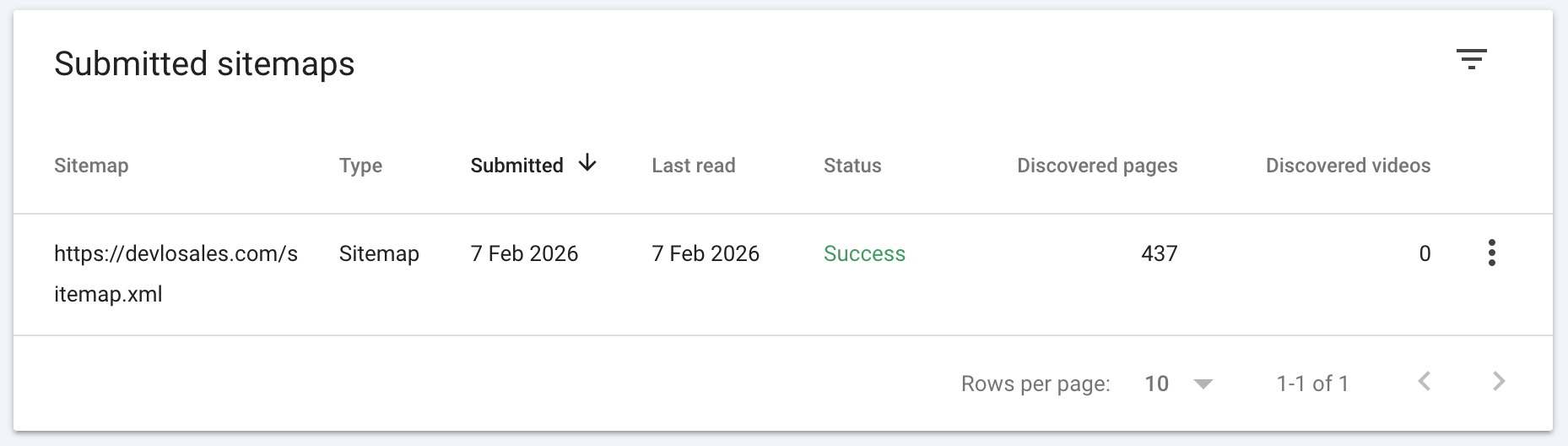
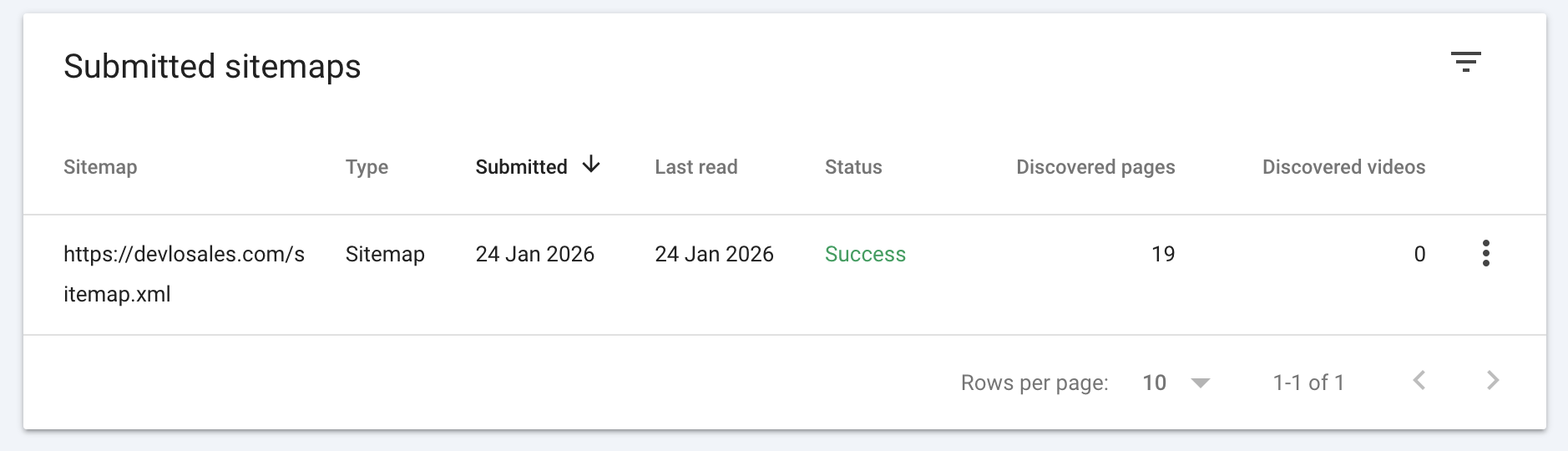
Google will now crawl your updated sitemap and discover your new translated pages. This usually takes 24-48 hours.