
Troubleshooting: Verification Failed (401 Error)
Encountering a 'Verification failed (401)' error during Lovalingo setup? This common issue is often a timing problem during deployment. Learn how to quickly resolve it by waiting and retrying, or by manually checking your manifest file.
If you see a "Verification failed (401)" error during Lovalingo setup, don't worry. This is usually a timing issue that resolves itself within a few minutes.
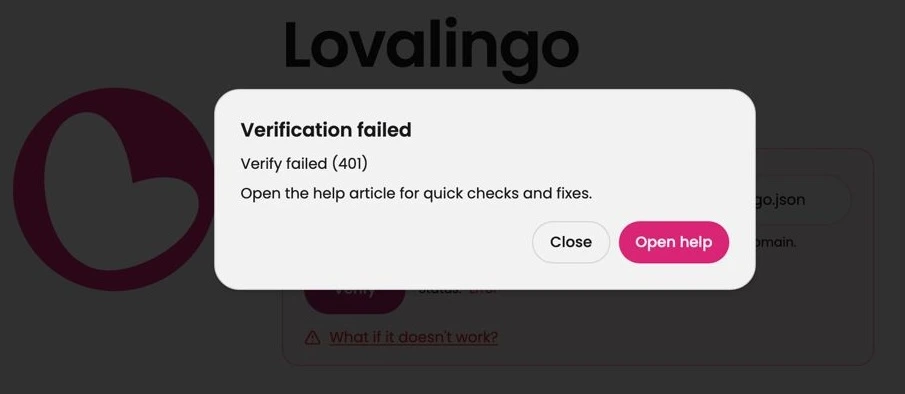
Why This Happens
After running the Lovalingo installation prompt in Lovable, your app needs to:
Build the new code
Deploy to your domain
Make the manifest file accessible at
/.well-known/lovalingo.json
The verification can fail if you click "Verify" before the deployment finishes. Lovable typically takes 30-90 seconds to deploy changes.
Quick Fix: Wait and Retry
Step 1: Wait 1-2 minutes after publishing your Lovable project.
Step 2: Click the "Verify" button again in the Lovalingo dashboard.
In most cases, this resolves the error.
Manual Check: Verify the Manifest Exists
If the error persists, check whether the manifest file was created correctly.
Step 1: Open a new browser tab.
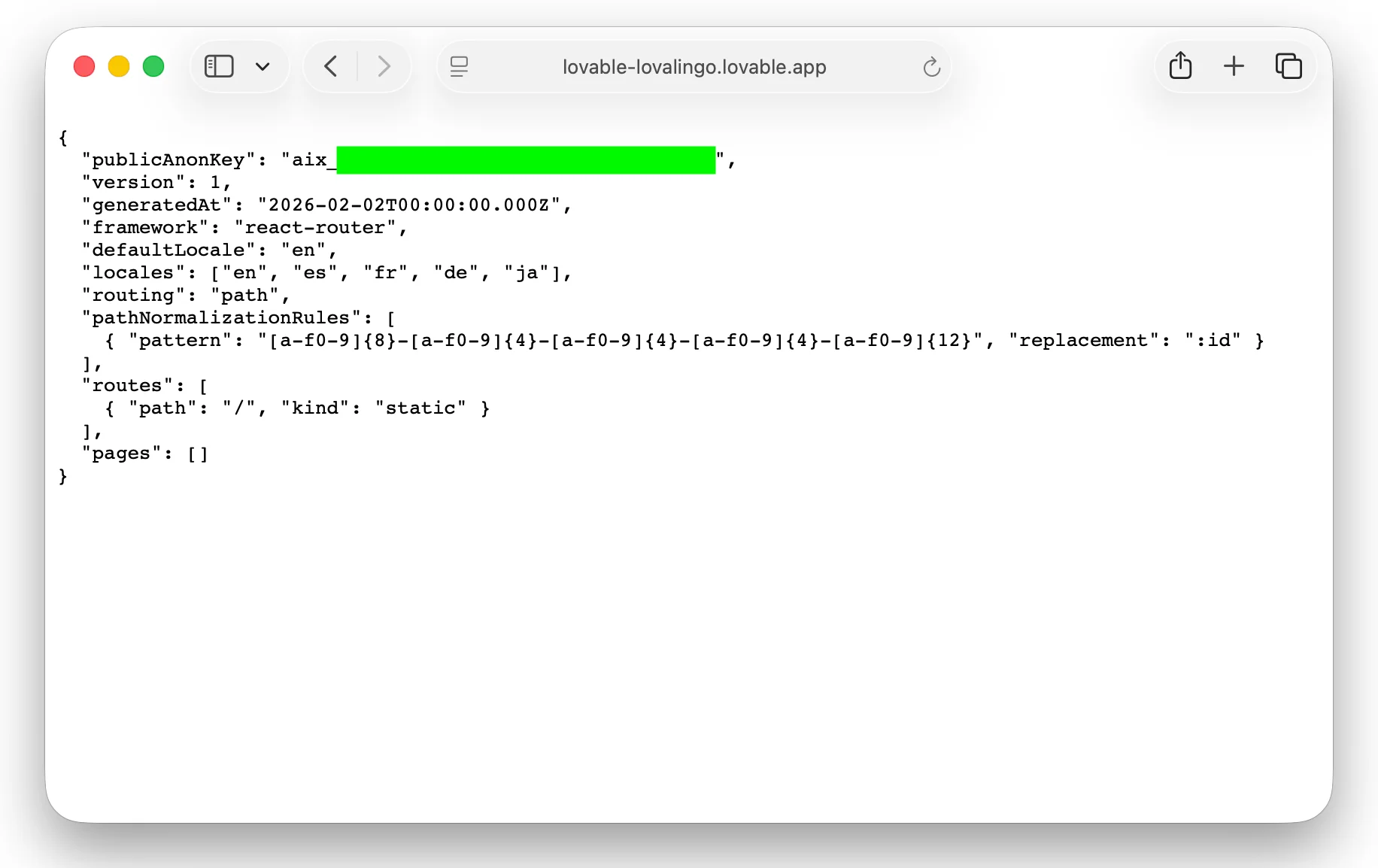
Step 2: Go to your manifest URL by adding /.well-known/lovalingo.json to your domain:
https://your-app.lovable.app/.well-known/lovalingo.jsonStep 3: You should see a JSON file like this:
json
{
  "publicAnonKey": "aix_xxxxxxxxxxxxx",
  "version": 1,
  "generatedAt": "2026-02-02T00:00:00.000Z",
  "framework": "react-router",
  "defaultLocale": "en",
  "locales": ["en", "es", "fr", "de"],
  "routing": "path",
  "routes": [
    { "path": "/", "kind": "static" }
  ],
  "pages": []
}
If you see this JSON: The manifest exists. Return to Lovalingo and click "Verify" again.
If you see a 404 error: The manifest file wasn't created. See the section below.
Manifest Not Found (404 Error)
If visiting /.well-known/lovalingo.json returns a 404 error, the installation prompt didn't complete successfully.
Step 1: Go back to your Lovable project.
Step 2: In the chat, ask Lovable to check the installation:
Check if the Lovalingo manifest file exists at /public/.well-known/lovalingo.json. If not, create it with my project configuration.Step 3: Publish your changes in Lovable.
Step 4: Wait 1-2 minutes, then verify again in Lovalingo.
Still Not Working?
If you've waited several minutes and the manifest exists but verification still fails:
Clear your browser cache and try verifying in an incognito window
Check your domain - make sure the URL in Lovalingo matches exactly (including https://)
Republish in Lovable - sometimes a fresh deployment resolves caching issues
Need more help? Contact us at https://lovalingo.com/en/help/support with your project URL and we'll take a look.