
Why Your Next-intl App Flashes (And How to Actually Fix It)
Experiencing a flash of untranslated content in your Next-intl app? This common i18n problem, known as the Flash of Untranslated Content, occurs when server-rendered HTML mismatches client-side hydration. Learn why it happens and how to effectively fix it to ensure a seamless multilingual user experience.
Direct answer
A next-intl app usually flashes when translations are loaded too late, when server and client messages do not match, or when locale state changes after hydration. Lovalingo avoids this class of issue with zero-flash rendering inside the React flow.
- 1.Check that the server and client render the same locale and messages.
- 2.Avoid rendering untranslated fallback text before hydration completes.
- 3.Use a zero-flash i18n layer when manual message loading is creating visible flicker.
Fact-checked sources
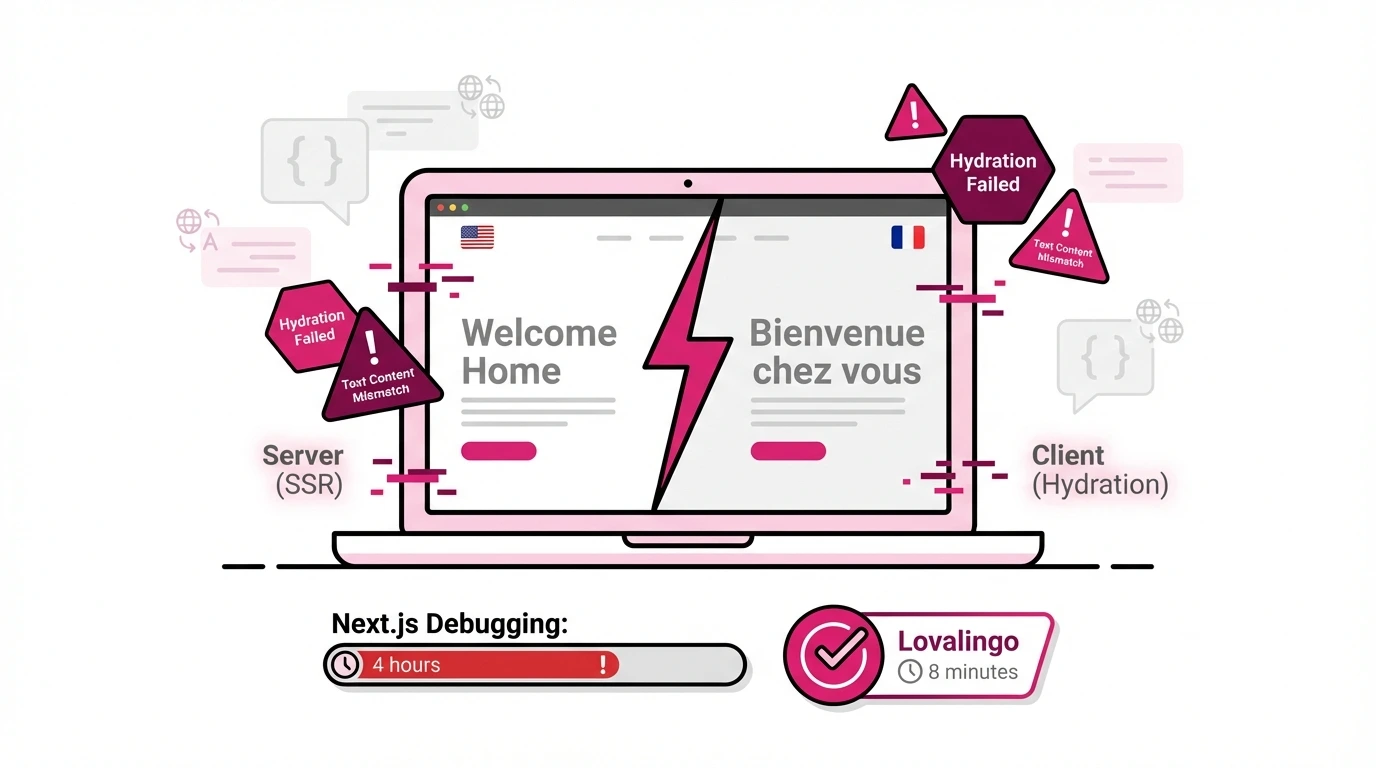
You deployed your multilingual Next.js app. Everything worked in development. Then you loaded the production site and watched your French content flash English for half a second before switching.
Welcome to the Flash of Untranslated Content - the i18n problem that has spawned hundreds of GitHub issues and costs developers hours of debugging time.
This guide explains why it happens, how to fix it properly, and when to consider a different approach entirely.
Why Does This Happen?
The flash occurs when your server renders HTML in one language, but your client hydrates with different content. React sees the mismatch and re-renders - creating that visible flash.
With next-intl specifically, this happens because:
The server sends French HTML. The client expects French JavaScript. Something in between breaks.
Common error messages you'll see:
"Text content does not match server-rendered HTML"
"Hydration failed because the server-rendered markup does not match the client-rendered markup"
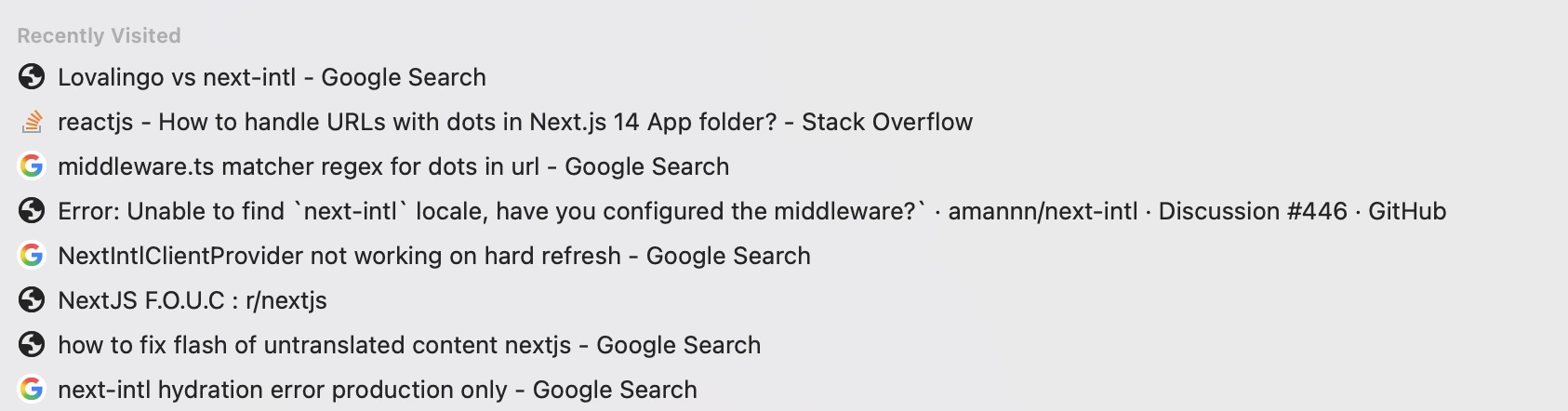
"Unable to find next-intl locale, have you configured the middleware?"
"Warning: A tree hydrated but some attributes of the server rendered HTML didn't match the client properties"
These aren't random bugs. They're symptoms of a fundamental architecture challenge: keeping server and client perfectly synchronized across languages, routes, and rendering modes.
The 5 Common Causes (And Their Fixes)
Cause 1: Middleware Not Running on All Routes
next-intl uses middleware to detect and set the locale. If certain routes bypass your middleware, the locale isn't available - and the server renders with the wrong language.
Symptoms:
Flash only on specific pages
"Unable to find next-intl locale" errors
Works locally, breaks in production
The Fix:
Check your middleware matcher. The default pattern excludes routes with dots (like favicon.ico), but this can accidentally exclude legitimate routes.
javascript
// middleware.ts
export const config = {
  matcher: '/((?!api|trpc|_next|_vercel|.*\\..*).*)'
};
If you have routes with dots in them (like /users/jane.doe), you need explicit matchers:
javascript
export const config = {
  matcher: [
    '/((?!api|trpc|_next|_vercel|.*\\..*).*)',
    '/users/:path*'  // Explicitly match user routes
  ]
};
Time to implement: 30-60 minutes of trial and error.
Cause 2: NextIntlClientProvider Missing or Misconfigured
Client Components need access to translations through NextIntlClientProvider. If it's missing or not receiving the right props, client-side content renders differently than server-side.
Symptoms:
Flash on interactive components
Translations work in Server Components but fail in Client Components
"useTranslations is not available" errors
The Fix:
Ensure your root layout wraps everything properly:
javascript
// app/[locale]/layout.tsx
import {NextIntlClientProvider} from 'next-intl';
import {getMessages} from 'next-intl/server';

export default async function LocaleLayout({children, params}) {
  const messages = await getMessages();

  return (
    <html lang={params.locale}>
      <body>
        <NextIntlClientProvider messages={messages}>
          {children}
        </NextIntlClientProvider>
      </body>
    </html>
  );
}
Gotcha: Passing all messages to the client increases your bundle size. For large apps, you need to selectively pass only the messages each page needs.
Time to implement: 1-2 hours, more for large apps with many namespaces.
Cause 3: Server/Client Locale Detection Mismatch
The server detects locale from the URL or headers. The client might detect it from cookies or browser settings. If they disagree, you get a flash.
Symptoms:
First visit flashes, subsequent visits work
Works when you navigate but flashes on hard refresh
Different behavior across browsers
The Fix:
Ensure consistent locale detection by relying on the URL, not browser detection:
javascript
// i18n/routing.ts
import {defineRouting} from 'next-intl/routing';

export const routing = defineRouting({
  locales: ['en', 'fr', 'de'],
  defaultLocale: 'en',
  localeDetection: false  // Disable automatic detection
});
If you need automatic detection, ensure the cookie and URL stay synchronized:
javascript
// middleware.ts
import createMiddleware from 'next-intl/middleware';
import {routing} from './i18n/routing';

export default createMiddleware({
  ...routing,
  localeCookie: {
    name: 'NEXT_LOCALE'
  }
});
Time to implement: 1-2 hours to audit and test all entry points.
Cause 4: Dynamic Rendering When You Expected Static
By default, using useTranslations in Server Components opts your routes into dynamic rendering. This means every request generates fresh HTML - increasing the chance of server/client mismatches.
Symptoms:
Slow page loads
Inconsistent flashing (sometimes yes, sometimes no)
Build output shows all routes as "dynamic"
The Fix:
Use setRequestLocale to enable static rendering:
javascript
// app/[locale]/page.tsx
import {setRequestLocale} from 'next-intl/server';

export default function Page({params}) {
  setRequestLocale(params.locale);

  // Now useTranslations works with static rendering
  const t = useTranslations('HomePage');
  return <h1>{t('title')}</h1>;
}

// Required for static generation
export function generateStaticParams() {
  return [{locale: 'en'}, {locale: 'fr'}, {locale: 'de'}];
}
Gotcha: You need to add setRequestLocale to every page and layout that uses translations. Miss one, and that route becomes dynamic.
Time to implement: 2-4 hours for a medium-sized app, touching every page file.
Cause 5: Date/Number Formatting Differences
next-intl formats dates and numbers according to locale. If the server and client have different timezone or locale settings, formatted values won't match.
Symptoms:
"Text content does not match" specifically on dates or numbers
Arabic digits on server, English digits on client
Time displays differ between server and client
The Fix:
Explicitly set timezone in your configuration:
javascript
// i18n/request.ts
import {getRequestConfig} from 'next-intl/server';

export default getRequestConfig(async ({locale}) => {
  return {
    locale,
    timeZone: 'Europe/Paris',  // Explicit timezone
    now: new Date()  // Synchronized timestamp
  };
});
For dates that depend on user timezone, render them only on the client:
javascript
'use client';
import {useFormatter} from 'next-intl';

export function LocalDate({date}) {
  const format = useFormatter();
  return <time>{format.dateTime(date, 'short')}</time>;
}
Time to implement: 1-2 hours, plus testing across timezones.
The Full Fix Checklist
If you're determined to solve next-intl flash properly, here's the complete audit:
Middleware:
Matcher pattern covers all routes
No routes accidentally excluded by dot pattern
Middleware file in correct location (root or src)
Locale cookie configured and synchronized
Providers:
NextIntlClientProvider in root layout
Messages passed to provider
Locale prop set correctly
Provider wraps all client components that need translations
Static Rendering:
setRequestLocale called in every page/layout
generateStaticParams exports all locales
Build output confirms static routes
Formatting:
Explicit timezone configuration
Date components render client-side if timezone-dependent
Number formatting consistent
Testing:
Hard refresh in each locale
Direct URL access to each route
Navigation between locales
Test in incognito (no cookies)
Test on different devices/browsers
Estimated total time: 4-8 hours for a medium app.
And after all that, you might still have edge cases that flash.
The Zero-Flash Alternative
Here's the reality: next-intl is powerful software designed for developers who want fine-grained control over internationalization architecture.
But if you're using vibe coding tools like Lovable or Bolt, or if you just want translation to work without understanding hydration mechanics, there's a different approach.
Lovalingo eliminates the flash problem architecturally.
Instead of debugging server/client mismatches, middleware configurations, and provider hierarchies, Lovalingo:
Detects all translatable strings automatically
Generates native i18n code in your codebase
Handles routing, SEO, and language switching
Produces zero-flash results because translations are baked in at build time
Setup time: 8 minutes.
Two prompts in your vibe coding tool:
Prompt 1: Basic installation (minutes)
Prompt 2: SEO configuration (3 minutes)
No middleware debugging. No provider configuration. No setRequestLocale in every file.
When to Use Which Approach
Keep next-intl if:
You have a dedicated frontend team with i18n experience
You need complex pluralization or formatting rules
You're already invested in the next-intl ecosystem
You have time to properly configure and maintain the setup
You want maximum control over every aspect of internationalization
Switch to Lovalingo if:
You're using vibe coding tools (Lovable, Bolt, Cursor)
You want translation to "just work" without deep configuration
You've spent hours debugging flash issues without resolution
You need multilingual SEO (hreflang, sitemaps) without manual implementation
You're a solo founder or small team without i18n expertise
The Bottom Line
The flash of untranslated content in next-intl apps is solvable. It requires:
Understanding why server/client mismatches occur
Auditing middleware, providers, and rendering modes
Implementing fixes across your entire codebase
Testing thoroughly across all entry points
For developers who want that control, the checklist above will get you there.
For everyone else, there's a question worth asking: Do you want to become an i18n infrastructure expert, or do you want your French visitors to see French?
Lovalingo exists for the second group.
Tired of debugging hydration errors? Set up zero-flash translation in 8 minutes at lovalingo.com
Frequently asked questions
Why does my next-intl app flash untranslated content?
The common cause is a mismatch between what the server renders and what the browser hydrates, or translations loading after the first paint.
How can I fix translation flash in Next.js?
Make locale and messages available before render, avoid client-only language switches on first paint, or use an i18n layer such as Lovalingo that supports zero-flash rendering.